Creating An Online Store Today Is Far Easier Than It Has Been. With WordPress and WooCommerce, Almost Anyone Can Launch An Online Shop Without Needing Advanced Technical Skills. Whether you’re Selling Physical Products, Digital Downloads, Handmade Crafts Or Even Services, The Theme You Choose Makes All The Difference To How Your Store Looks, Feels And Performs.
However, This Is Where Many Beginners Get Stuck.
There Are Thousands Of Woocommerce Themes On Offer. Some Are Stunning On First Glance, But It Turns Out That They Are Slow And Poorly Optimized. Others Offer Limited Design Flexibility Although They Are Lightning-quick. With So Many Options To Choose From, Selecting The Right Theme Might Seem Difficult—especially If You’re Setting Up Your Very First Online Store.
That Is Exactly Why This Guide Exists.
In This Article, We’ll Review Some Of The Best Woocommerce Themes For Online Stores. We’ll Provide You With Their Most Useful Features, And Then Show How To Select The Fitting One For Your Business. Blogger, Freelancer, Developer Or Entrepreneur, You Are Going To Be Able To Find Practical Tips In Here To Help Turn Your Store Into Something Professional And High-performing
- 1 Why Choosing the Right WooCommerce Theme Matters
- 2 Key Features to Look for in WooCommerce Themes
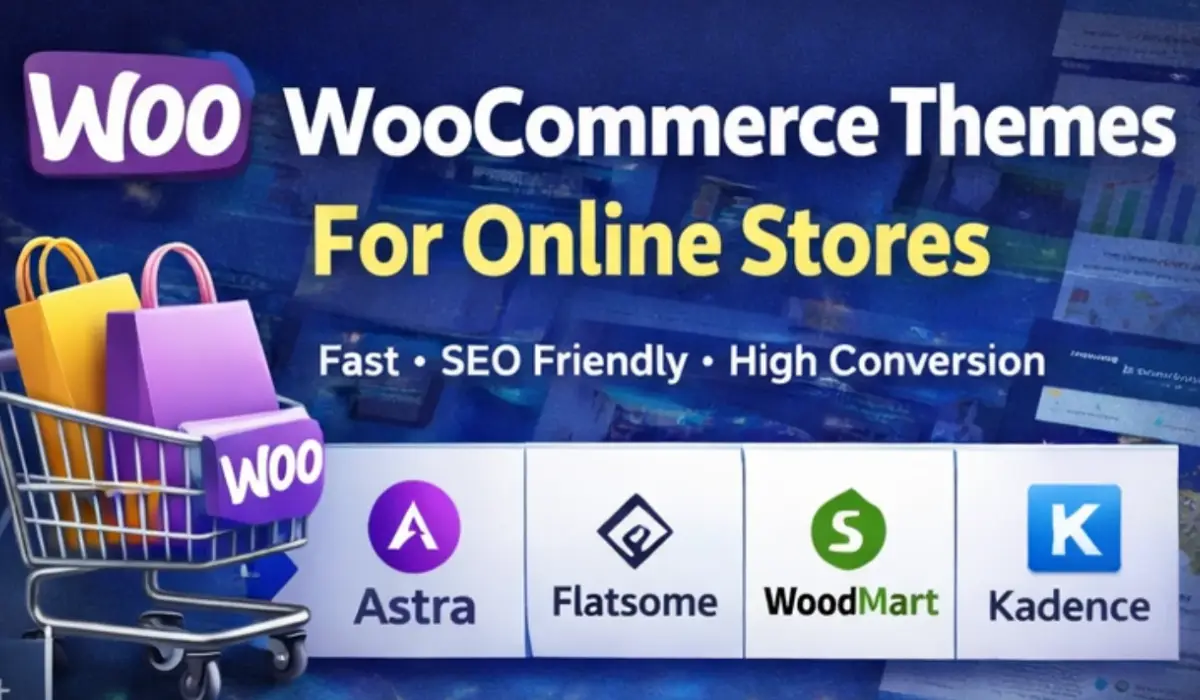
- 3 5 Best WooCommerce Themes For Online Stores
- 4 Step-by-Step Guide to Choosing the Right WooCommerce Theme
- 5 Helpful Tips for Beginners Starting a WooCommerce Store
- 6 Common Mistakes to Avoid
- 7 Conclusion
- 8 FAQ – Best WooCommerce Themes for Online Stores
Why Choosing the Right WooCommerce Theme Matters
Many people think a theme is just about design. In reality, it affects much more than how your website looks.
Your theme directly impacts your website speed, user experience, and even your search engine rankings. In other words, the wrong theme can quietly hurt your sales without you realizing it.
A well-designed WooCommerce theme helps you:
- Build trust with potential customers
- Improve website loading speed
- Increase conversion rates
- Create a strong and professional brand identity
- Provide a smooth mobile shopping experience
Imagine this scenario: a customer clicks on your store link, but the page takes five seconds to load. Most visitors won’t wait that long. They’ll simply close the tab and move on to another store.
A well-optimized eCommerce WordPress theme prevents this problem by keeping your store fast, lightweight, and user-friendly.
Key Features to Look for in WooCommerce Themes
Before installing any theme, it’s important to understand what makes a theme suitable for an online store. Not every WordPress theme is built with eCommerce in mind.
Here are some essential features to look for.
1. Supporting WooCommerce Functionality
First, A Good Theme Has To Be Fully Integrated With Woocommerce.
What Properties Should Be Native To The Theme’s Support? A good theme will support this for you:
- Product Pages
- Shopping Carts
- Checkout Pages
- Product Filters
- Wishlist Functionality
Themes Custom-built For Woocommerce Generally Come With Better Functionality And Fewer Compatibility Issues. other Than That, If The Theme In Question Boasts Woocommerce Support, it’s Down For You To Take A Look At Its Demo Store And See How Actual Products And Checkout Pages Run.
2. Responsive Design For Mobile Devices
Mobile Shopping Has Grown Fast In Recent Years, Now Accounting For More Than Half Of All Online Purchases, and That Means Your Store Has To Be Just As Good At Working On Small Screens Too. if Your Theme Is Responsive It Should:
- Use Auto-arrange Such That It Adapts To Different Screen Sizes
- Have Mobile-friendly Menus
- Show Clear Product Images
- Make Buttons Easy To Tap
also Seamless WordPress E-commerce Themes — Although This Goes Without Saying But It’s Still Worth Testing The Demo On Your Phone Before Picking One.
3. Fast Loading Speed
Page Speed Is One Of The Biggest Factors For Both Seo And Conversions.a Slow Theme Is Causing All Kinds Of Problems:
- Low Google Results
- More Bounces
- Fewer Purchases
when Looking Through Theme Options, Lightweight And Well-optimized Designs Should Be Your First Priority. many Modern Woocommerce Themes Are Designed With Performance In Mind Which Means Your Store Will Load Quickly Even When There Are Lots Of Products.
4. Customization Options
Each Business Has Its Unique Style And Brand. Your Theme Should Provide The Flexibility To Be Able To Show This.
We Suggest Choosing Themes That
- Allow You To Change Colors And Typography Easily
- Give Flexibility On Layout For Front Page
- Header And Footer Styles
- Product Page Designs
Is A Premium E-commerce Platform For WordPress That Also Integrates Popular Page Builders Like:
- Elementor
- Gutenberg
- WPBakery
Such Plugins Allow Can Design Pages Without Writing A Single Line Of Code.
5. SEO-Friendly Structure
A Well-designed Woocommerce Theme Ought To Follow Best SEO Practices In Design.
These Mostly Include:
- Clean and optimized code
- Schema markup support
- Fast page loading
- Mobile optimization
Looks Good On Mobile Devices when Correctly Implemented. These Features Allows The Search Engine Bots To Discover And Categorize Your Website More Easily. Your Store Ranks Higher In Their Results.
5 Best WooCommerce Themes For Online Stores
Now let’s look at some of the most popular WooCommerce themes used by online businesses around the world.
1. Astra
Astra is one of the most widely used WordPress themes for both business websites and online stores.
What makes Astra stand out is its balance between speed and flexibility.
Key features:
- Extremely lightweight and fast
- Full WooCommerce integration
- Seamless Elementor compatibility
- Ready-made online store templates
- Highly customizable design settings
Even beginners can create a professional store with Astra in just a few hours.
Best for: Beginners, bloggers, and small business owners.

Download Astra Theme GPL From GiTCLAB
(License-Activated)
✔ Latest Version Available ✔ Regular Updates
✔ 100% GPL Licensed (Not Nulled) ✔ Instant Download
Download Astra Theme Now2. Flatsome
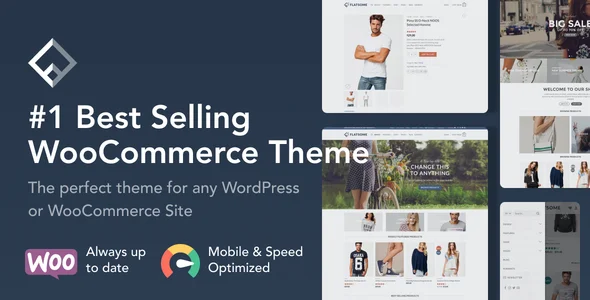
Flatsome is a powerful WooCommerce theme built specifically for eCommerce websites.
It’s particularly known for its conversion-focused design and built-in page builder.
Key features:
- Built-in UX page builder
- Attractive product layouts
- Fast and optimized performance
- Advanced design customization
- Real-time visual editing
Many high-revenue WooCommerce stores rely on Flatsome because it’s designed with online selling in mind.
Best for: Large stores and established eCommerce brands.
Download Flatsome Theme From GiTCLAB
(License-Activated)
✔ Latest Version Available ✔ Regular Updates
✔ 100% GPL Licensed (Not Nulled) ✔ Instant Download
Download Flatsome Theme Now3. WoodMart
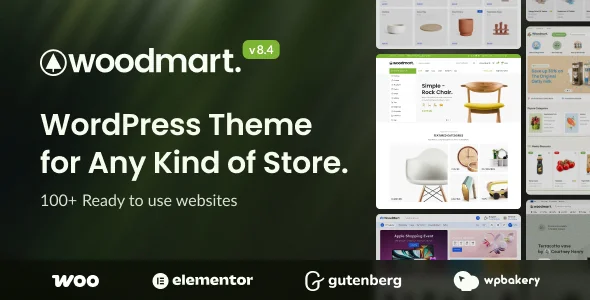
WoodMart is a premium WooCommerce theme packed with advanced eCommerce functionality.
If you want a feature-rich theme with lots of design options, this is a strong contender.
Key features:
- AJAX product filters
- Quick shop functionality
- Drag-and-drop header builder
- Mega menu support
- Fast and responsive design
It also comes with more than 70 ready-to-use demo layouts, making it easier to launch a store quickly.
Best for: Fashion stores, electronics shops, and multi-category marketplaces.
Download WoodMart Theme From GiTCLAB
(License-Activated)
✔ Latest Version Available ✔ Regular Updates
✔ 100% GPL Licensed (Not Nulled) ✔ Instant Download
Download WoodMart Theme Now4. OceanWP
OceanWP is a flexible and powerful theme that works well for many types of websites, including online stores.
Its WooCommerce integration is surprisingly deep for a theme that also offers a free version.
Key features:
- Strong WooCommerce compatibility
- Popup cart feature
- Floating add-to-cart bar
- Multi-step checkout support
- SEO-friendly structure
Developers and freelancers often prefer OceanWP because it provides extensive control over layouts and design elements.
Best for: Developers, freelancers, and custom online stores.
5. Storefront
Storefront is the official WooCommerce theme developed by the WooCommerce team itself.
Because of that, it integrates perfectly with the plugin.
Key features:
- Excellent WooCommerce compatibility
- Lightweight and stable design
- Secure and reliable framework
- Easy customization options
- Frequent updates and support
Although the design is relatively simple, Storefront is one of the most stable choices available.
Best for: Beginners and minimal online stores.
Step-by-Step Guide to Choosing the Right WooCommerce Theme
If you’re launching your first store, the process of choosing a theme can feel overwhelming. A simple step-by-step approach can make the decision much easier.
Step 1: Define Your Store Type
Start by identifying what kind of store you’re building.
Ask yourself questions like:
- Are you selling physical products?
- Digital downloads?
- Dropshipping items?
Different business models may require different features and layouts.
Step 2: Verify WooCommerce Compatibility
Always make sure the theme is built specifically for WooCommerce.
Check whether it properly supports:
- Product galleries
- Filtering systems
- Shopping carts
- Checkout pages
Testing the theme demo can reveal a lot about how smoothly these features work.
Step 3: Test Website Speed
Speed testing tools can quickly show how well a theme performs.
Popular tools include:
- Google PageSpeed Insights
- GTmetrix
- Pingdom
A fast WooCommerce theme not only improves SEO but also creates a better experience for shoppers.
Step 4: Evaluate Customization Options
If you want design flexibility, look for themes that support visual page builders.
Popular options include:
- Elementor
- Gutenberg
- Divi Builder
These tools allow you to design landing pages, product pages, and store layouts without touching code.
Step 5: Read Reviews and Ratings
Before installing or purchasing a theme, always check what real users are saying.
Look for:
- WordPress repository reviews
- ThemeForest ratings
- Community feedback
This step alone can help you avoid poorly supported or buggy themes.
Helpful Tips for Beginners Starting a WooCommerce Store
Launching an online store can feel complicated at first, but a few smart decisions can make the process much smoother.
Use Lightweight Themes
Heavy themes can slow down your website dramatically.
Choosing a lightweight and optimized WooCommerce theme will help your store stay fast and responsive.
Install Essential Plugins
Some plugins can significantly improve your store’s functionality.
Popular options include:
- WooCommerce
- Rank Math SEO
- WP Rocket
- Elementor
- WooCommerce Product Filter
Together, these tools can enhance performance, SEO, and product navigation.
Optimize Product Images
Large images often slow down websites.
Using image optimization tools such as ShortPixel, Smush, or TinyPNG can reduce file sizes while maintaining visual quality.
Focus on User Experience
Your store should be easy to navigate.
Customers should be able to:
- Browse products easily
- Add items to their cart quickly
- Complete checkout without confusion
A clean layout and simple navigation can significantly improve conversions.
Common Mistakes to Avoid
Many beginners make avoidable mistakes when choosing WordPress themes for their online stores.
Here are a few to watch out for.
Choosing a Theme Only for Its Design
A visually impressive theme doesn’t always perform well.
Always evaluate speed, compatibility, and user reviews before making a decision.
Installing Too Many Plugins
Plugins add functionality, but too many can slow down your website.
Try to keep your plugin list minimal and only install essential tools.
Ignoring Mobile Optimization
Most online shoppers browse stores using their phones.
If your theme isn’t fully responsive, you may lose a large portion of potential customers.
Skipping Demo Testing
Always explore the theme demo carefully.
Testing product pages, checkout flow, and navigation gives you a clear idea of how your store will look and function.
Conclusion
Choosing the best WooCommerce theme for your online store is one of the most important steps in building a successful eCommerce website.
The right theme can significantly improve:
- Website speed
- User experience
- SEO performance
- Conversion rates
Themes like Astra, Flatsome, WoodMart, OceanWP, and Storefront are all strong options depending on your store’s needs.
Before making your final decision, focus on factors such as speed, WooCommerce compatibility, customization options, and mobile responsiveness.
With the right theme and a few essential tools, you can build a fast, attractive, and profitable online store using WordPress and WooCommerce.
FAQ – Best WooCommerce Themes for Online Stores
1. What is the best WooCommerce theme for beginners?
Astra and Storefront are excellent choices for beginners because they are lightweight, easy to customize, and fully compatible with WooCommerce.
2. Are free WooCommerce themes good for online stores?
Yes, many free themes work well. However, premium themes often provide more advanced customization options and additional design features.
3. Do WooCommerce themes affect SEO?
Yes. A fast, well-optimized theme can improve search engine rankings and overall website performance.
4. Which page builder works best with WooCommerce?
Elementor is one of the most popular page builders for WooCommerce because of its drag-and-drop interface and ready-made store templates.
5. Can I change my WooCommerce theme later?
Yes, you can switch themes anytime. However, it’s best to test the new theme on a staging site first to avoid breaking your live store.